Nine screens · no client JavaScript · every number links to its evidence

The whole product, screen by screen

Mentioned started as a one-off checker and is now a tracking surface: frozen prompts re-asked on a schedule, three metrics that disagree usefully, a competitive field built only from brands a model actually named, and a receipt behind every figure. Here is all of it.

Free account, 12 keywords tracked weekly Nothing modelled, nothing estimated CSV export from every view

The signed-in surface

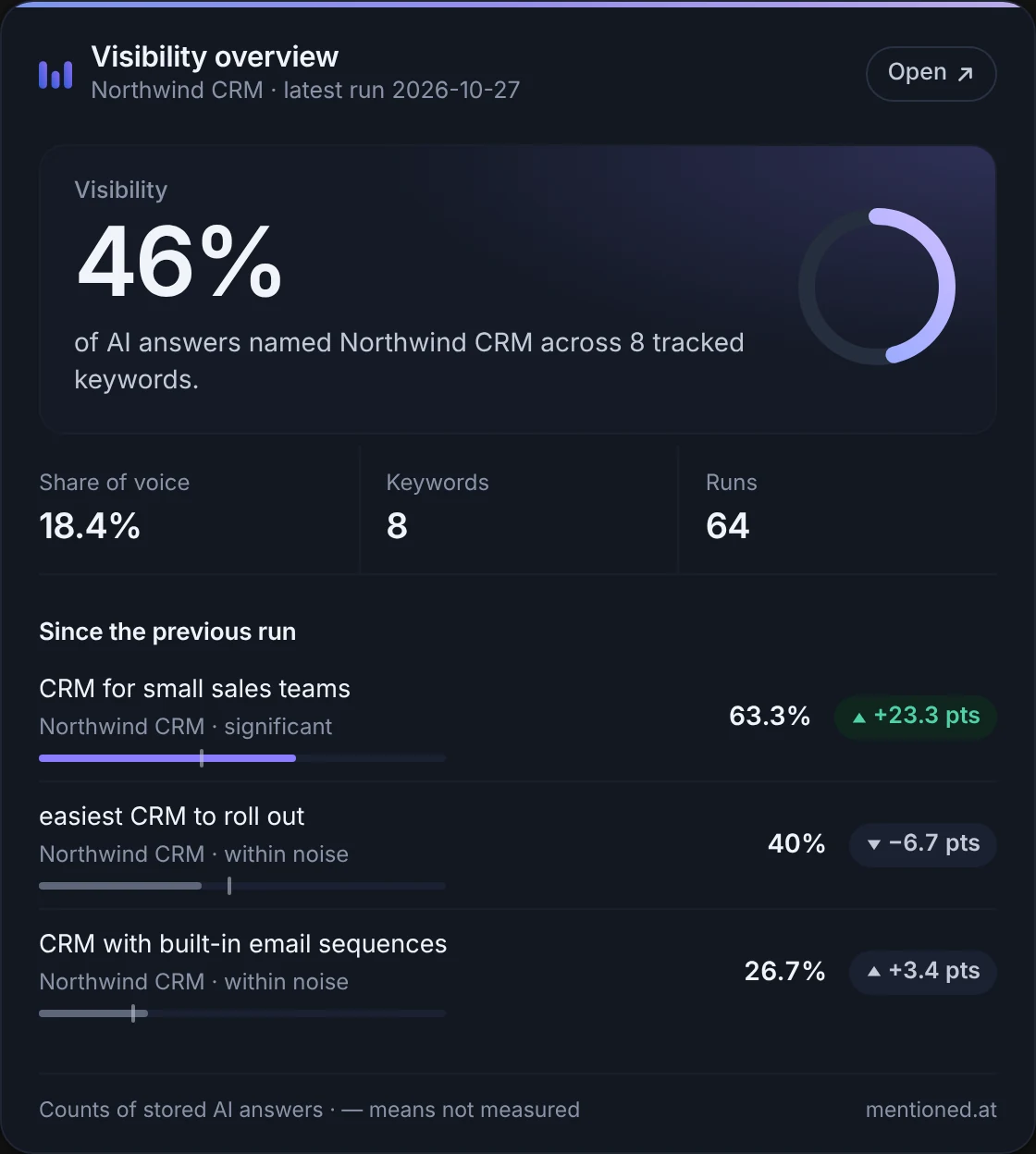
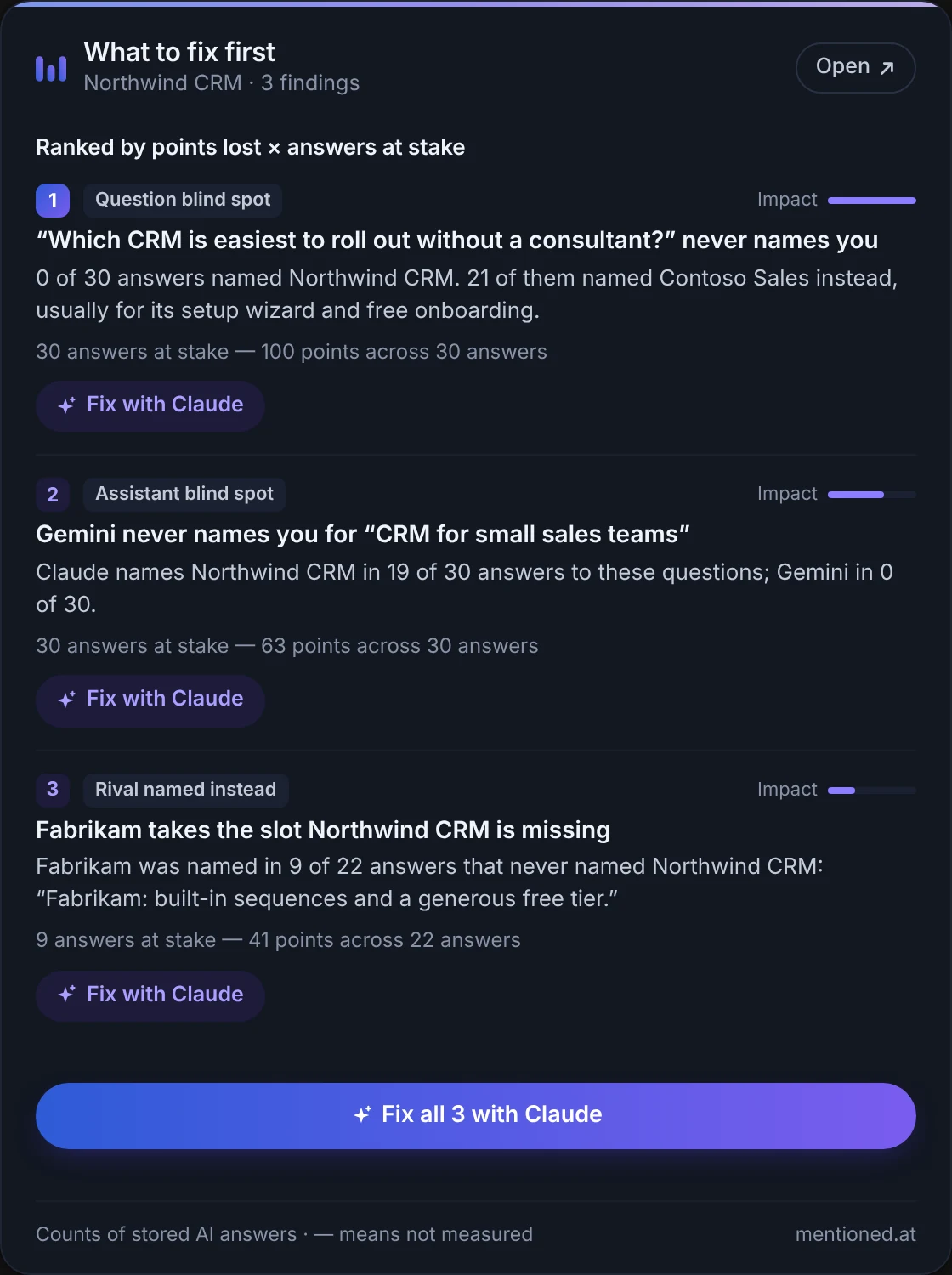
Every screen below is the real interface, rebuilt in HTML from the same stylesheet the product uses — not a screenshot, so it stays sharp at any size and cannot fall out of date with the palette. The app itself also has a dark theme; these are shown in light. The numbers in them are sample data for a demo account, never a customer’s result.

Overview

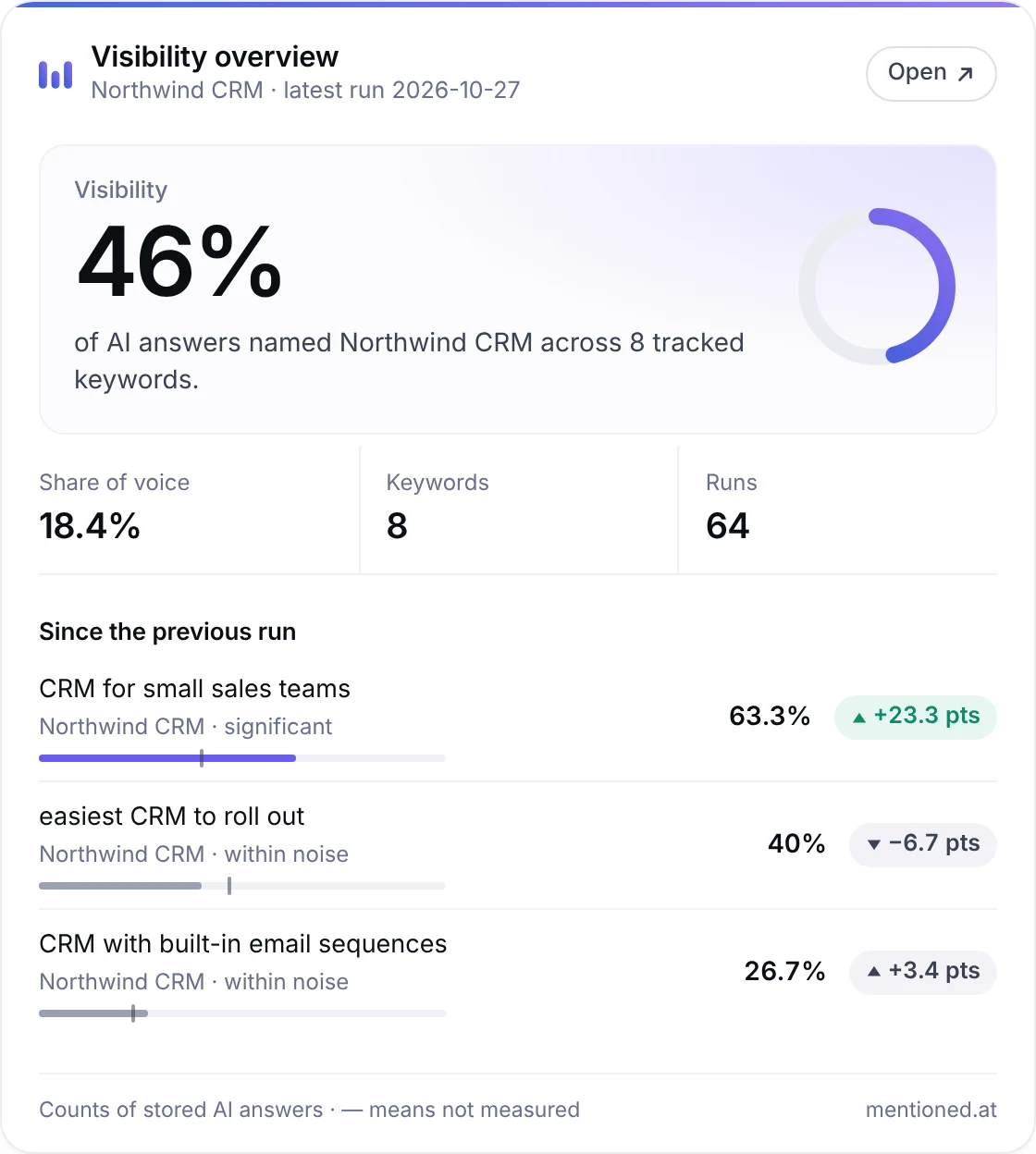
Four figures, and then the two questions they raise

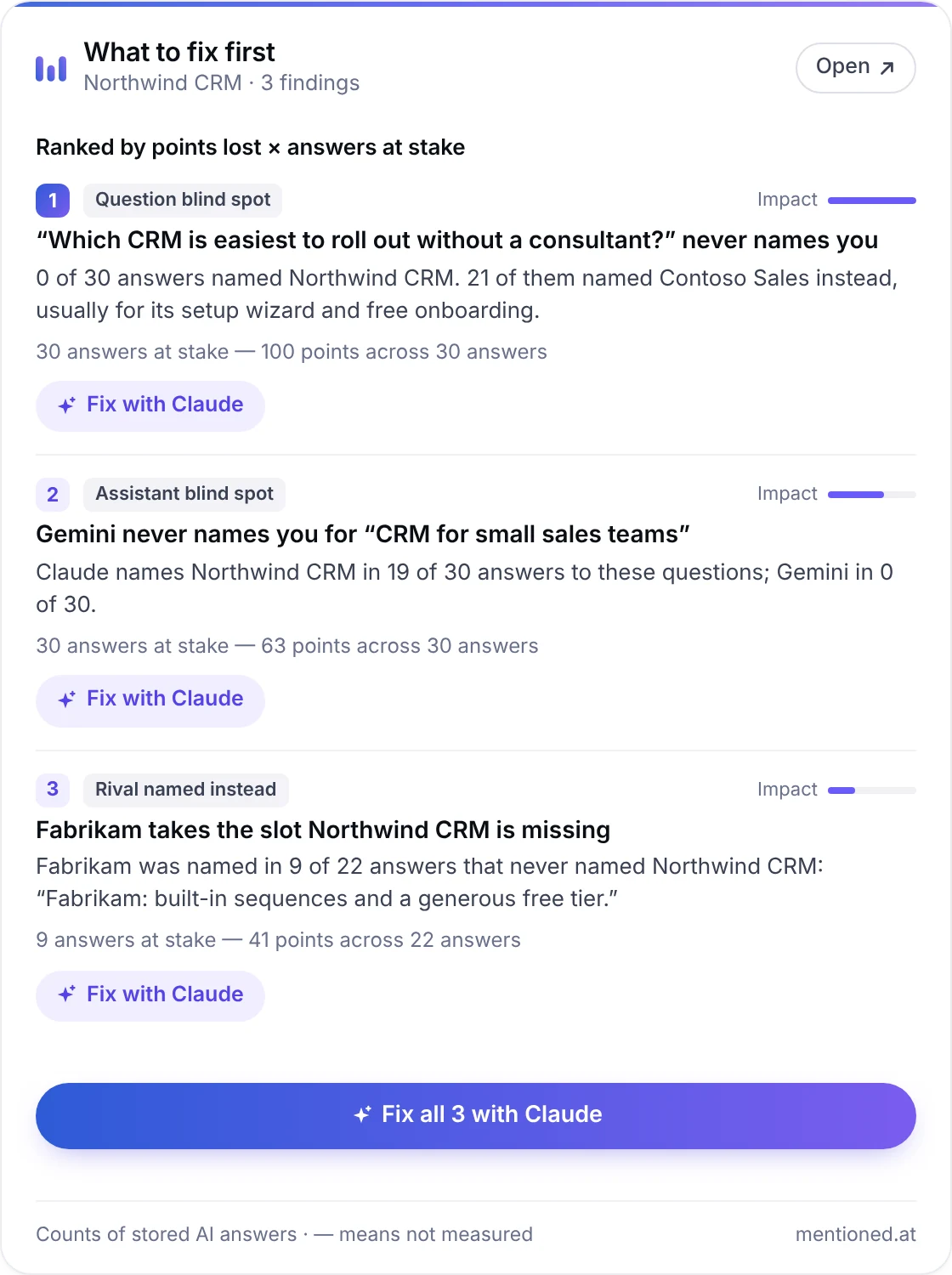
Visibility, share of voice, average position and runs recorded — then where you land when you are named, and what changed. The second card is the top of the Actions ranking, computed by the same code the Actions screen runs, so the two can never disagree about which finding is biggest one click apart.

Sample data for a demo account. The trend window (4W / 8W / 12W) and every filter live in the URL, so a view you are looking at is a view you can bookmark and send to someone.

Tracked keywords

The five questions are frozen when you add a keyword

This is the central design decision, not an optimisation. Most tools rewrite their prompts on every run, which means part of every movement in their charts is the question changing rather than your visibility. Freeze the questions and a score moving 3/5 → 1/5 means exactly one thing.

Weekly by default. A keyword can run daily once you have saved your own API key for every model it asks — because a daily run spends that key, not ours.

Prompts

Every frozen question, ranked weakest first

Your score is an average of five questions, and averages hide the interesting half. This screen breaks it back apart: which questions name you every time, which ones never have, and who the model reaches for instead. A question that has never been asked stays blank rather than reading as a measured failure — “nobody named you” and “nothing has run” are different findings.

Visibility here is the share of answers that named you, not of runs: a keyword asked on two models produces two answers per question per run.

Competitors

Who gets named instead of you, and how far ahead

Three readings of the same field. Times named counts every brand in the most recent run of each keyword, yours included. Reach vs. rank puts volume against placement, so a brand named often but always last is visibly different from one named rarely and always first. Share of voice catches the case where you hold your score but the model starts naming twelve rivals instead of three.

No competitor list is entered by hand. Every brand on this screen is one an answer actually named.

Models

The same questions, asked of each assistant

Claude answers on our key. Add your own key for ChatGPT, Gemini, DeepSeek or Llama 3.3 and the same five frozen questions get asked there too — so a gap between columns is a gap between models, never a gap in what was asked. A model at 0% is shown at 0% and never pooled into an average with the others: the spread is the finding.

Being invisible on one assistant while leading on another is the commonest and most expensive thing this product finds.

Sentiment

Not just whether you were named — how

A cue-based reading of the sentence that names you, and the whole classifier is on the screen: the listed words, how often each one fired, and the sentences they decided. It is not a model’s opinion of you and it is not a score out of ten. “No cue found” is shown as a row rather than hidden, because it is the commonest reason a sentence is neutral.

You can disagree with a verdict here and check it in one click, which is not true of a sentiment number a model was asked to invent.

Answers & receipts

Every number links to the sentence it came from

The stored replies, printed verbatim, with your brand and its rivals marked by the same matcher that scored the run — so a highlight can never contradict a score. If a figure looks wrong you can read the answer that produced it, and every check has a shareable receipt at its own URL.

The matcher folds accents and ignores spacing and punctuation, but still requires a word boundary in the original text — without that, “abandoned” scores as a hit for a brand called “Done”.

Actions

Ranked by how much went the wrong way

Six derivations run over the runs already on your account — model blind spots, prompt blind spots, visibility drops, competitors ahead, weak topics, keywords that never ran — and each finding is scored by the gap in percentage points times the stored answers it spans. Every row restates a measurement that is already on another screen, and links to it.

Nothing on this screen is advice. It is a ranking of measurements, and it says how many findings it cut rather than truncating in silence.

One keyword in detail

Visibility and rank on one chart, then the receipts

The right axis is inverted — rank 1 at the top — so up is better on both lines, and position is dashed because the two series are in different units. Below it: a row per frozen question with its own visibility, average position and rivals, and the stored answers printed verbatim.

An unlabelled reversed axis is a trap rather than a chart, so this one says so in words.

Your own API keys

Bring your own key, and know exactly what happens to it

Optional, and never required: every weekly run works on our key. Save one and you can re-ask a keyword’s frozen questions on a model we hold no key for, and move that keyword to a daily cadence. Keys are sealed with AES-GCM using a secret that is not in the database, and the page says plainly what that does and does not protect you from.

A result from your own key gets its own receipts page and is deliberately not spliced into the weekly trend — that line is one model answering five frozen questions, and it stays that way.

Under the hood

Decisions you can feel, even if you never read them

A dashboard is mostly small choices about what to do when a number is missing. Here are the ones that shaped this one.

No client JavaScript, anywhere in the app

The section you are on, the brand and topic filters, the model filter and the trend window are all URL state. That is what makes a view bookmarkable, reloadable and sendable — and it is why the dashboard renders the same for a reader with scripts blocked as for everyone else.

An em dash is never a zero

“Not measurable” and “measured, and zero” are different findings and this product never prints one as the other. A bar at 0% renders as a bare track rather than a sliver of ink, because a mark where nothing was measured reads as a small result instead of no result.

CSV export from every view

The export carries whichever brand and topic filters you are reading, correctly quoted, so the file matches the screen rather than the whole account.

A failed run does not reset the clock

One timed-out request used to leave a keyword idle until the following week. Failures now retry at the next sweep and then back off — and only the requests that can clear on their own are ever re-sent.

Hashed IPs, sealed keys

Raw IP addresses are never stored. A key you paste into the one-off checker is used for that request and thrown away; a key you save is encrypted with a secret that is not in the database.

What it does not do

The honest gaps

A tour that only lists strengths is a brochure. These are the limits as they stand today.

There is no “Sources” screen

Which sites an assistant leaned on when it answered would be the tenth view, and it is deliberately not shipped: nothing in the product stores a per-citation domain today. A sources screen built from anything other than a link a model actually returned would be the one screen here that estimates.

AI answers vary between runs

They are generated, not looked up in a ranked list. That is why a keyword asks five questions with three samples each rather than one question once, and why the trend is the number worth reading rather than any single run. It is also why the questions are frozen: it removes the one source of variance we control.

Sentiment is a word list, not a judgement

It counts listed praise and criticism cues in the sentence that names you, and shows you every cue that fired. It will miss sarcasm and it will miss praise phrased in words that are not on the list. Showing the whole classifier is the compensation: you can see exactly why a sentence was called what it was called.

No emailed reports or score alerts yet

There is no outbound mail anywhere in the product, so nothing here promises to send you anything. When that changes, this page changes with it.

Free plan limits are real limits

5 checks a day per account, 25 tracked keywords, weekly sweeps on our key. Every run spends real API budget, and the unattended sweep is capped in dollars per month — a keyword we cannot afford this month is deferred rather than failed, because a red mark on a healthy keyword would be a lie about the keyword.

Start with one check

A free account gives you 5 checks a day and up to 25 tracked keywords. No card, and no anonymous check — every check spends real API budget, so it has to belong to someone.